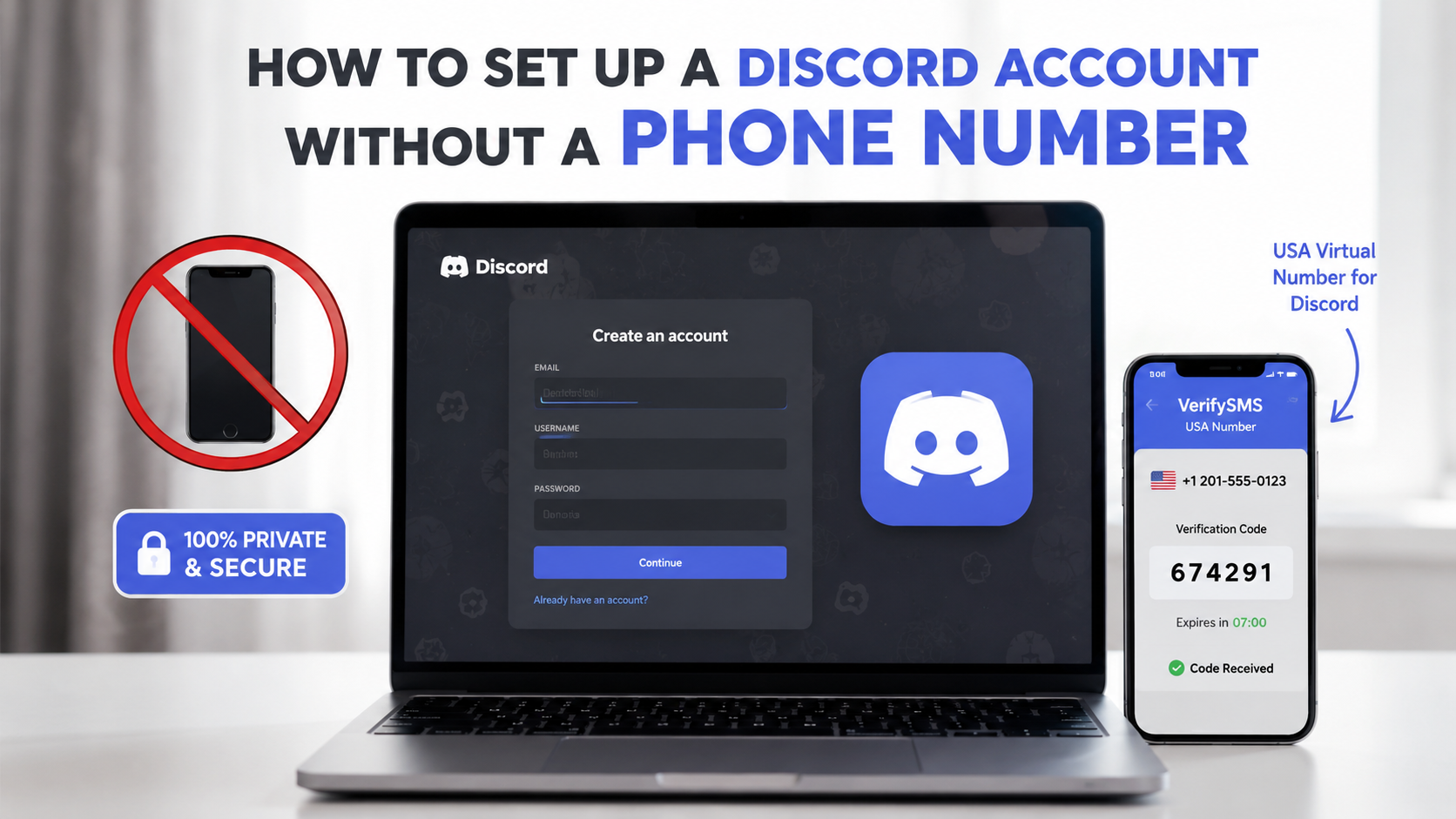
Discord has become one of the most popular communication platforms for gamers, communities, friends, and professional teams. Whether you want to join servers, create your own community, voice chat with friends, or manage multiple accounts for different interests, the sign-up process often requires phone number verification. Sharing your real phone number can compromise your privacy, expose you to spam, or link multiple identities.
The good news is you can easily create a Discord account without using your personal digits by using a temporary USA-based virtual phone number. The most reliable and affordable way is through VerifySMS. You create an account, top up with as little as $10, and buy virtual numbers specifically for Discord.
Each Discord account costs just $0.4, and the verification code stays available for 7 minutes, more than enough time to finish registration. Below is a complete step-by-step guide so you can open your new Discord account today without any stress and without touching your real phone number.
Why You Should Create a Discord Account Without Your Real Phone Number
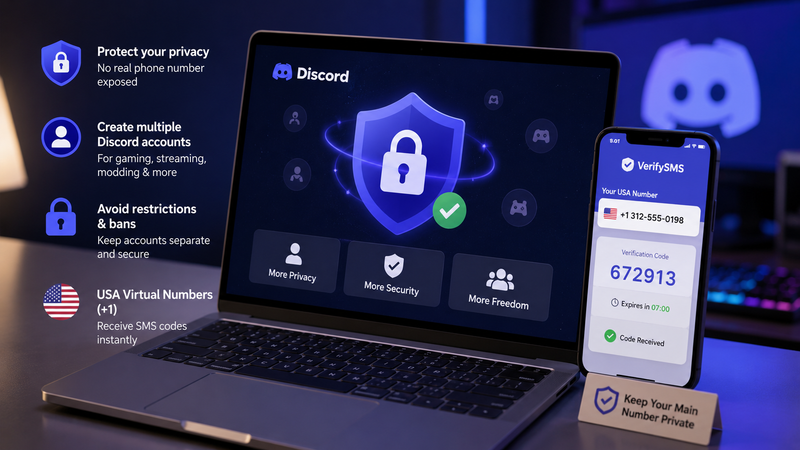
Discord uses phone verification to prevent abuse, enable 2FA, and secure accounts. However, linking your real number creates several risks. Your number can be exposed in data breaches, used for phishing, or allow unwanted contact from other users.
Gamers and community managers often need multiple accounts, one for personal use, one for streaming, one for modding, or separate servers. Reusing a personal number across all of them increases the chance of restrictions or bans.
Temporary USA-based virtual numbers solve this perfectly. They receive the SMS code and then can be isolated or discarded, keeping your main line completely private. VerifySMS provides fresh, specifically USA-based phone numbers (+1) that have excellent success rates on Discord.
Step 1: Create Your Account on VerifySMS
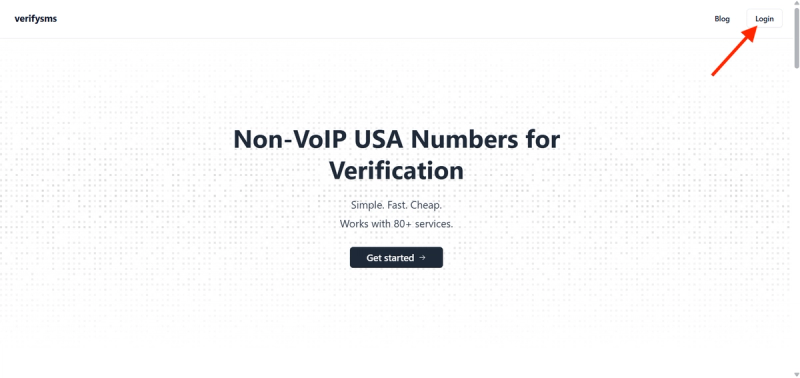
Open your browser and visit https://verifysms.io/. Click the “Get Started” button. The registration form is quick and simple — enter a valid email address and choose a strong password. There are no lengthy questions or extra personal details required. After confirming your email, you will land on a clean, intuitive dashboard.
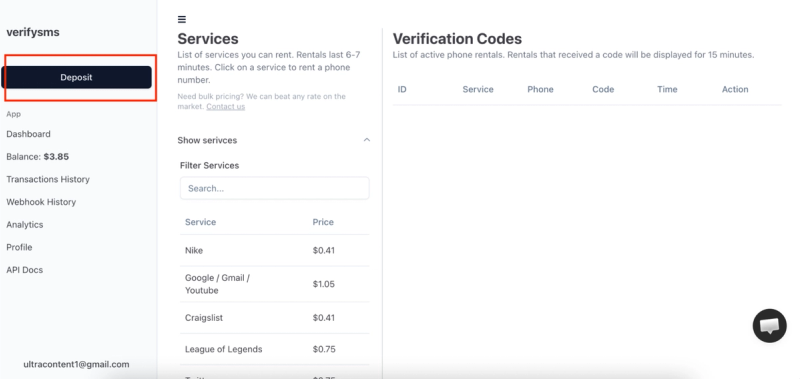
Next, add funds to your balance. Click the “Add Funds” or “Deposit” button. You can start with as little as $10 using major credit/debit cards, cryptocurrency, or popular e-wallets. The money appears instantly with no hidden fees. This small deposit gives you enough credit for more than 25 Discord accounts at $0.4 each, making it perfect for users who need multiple profiles.
Step 2: Buy a Temporary USA Phone Number for Discord
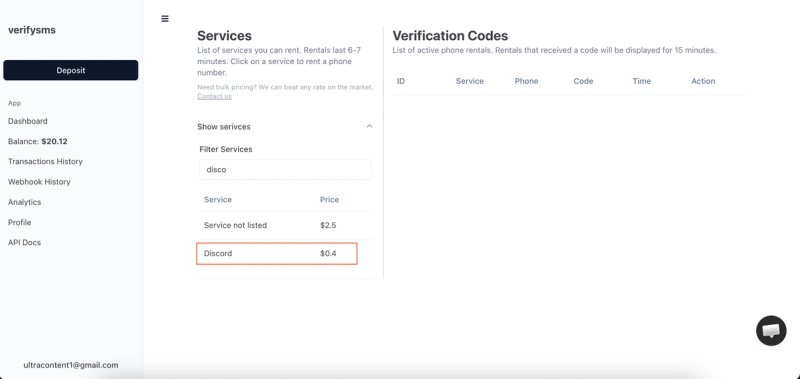
From the dashboard, click “Buy Number” or go to the “Services” section. Search for “Discord” in the list. The exact price, $0.4 per number, is clearly shown. Since VerifySMS only provides USA-based phone numbers, you will receive a fresh +1 virtual number optimized for Discord verification.
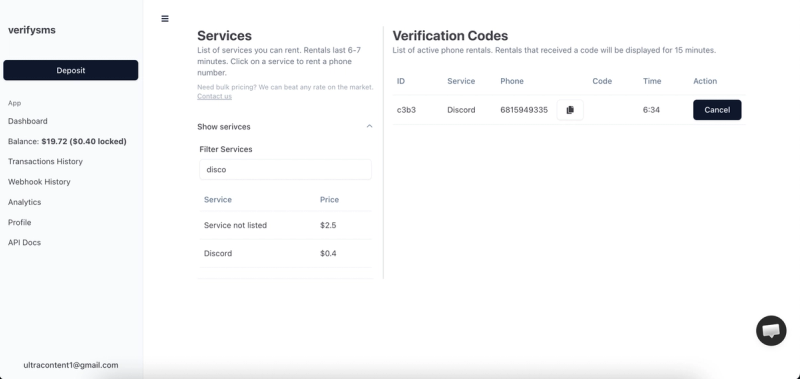
The number appears on your screen within seconds. Copy it immediately because you will need it right away. This virtual number is designed only for receiving incoming SMS verifications, ensuring your privacy remains protected. If you plan to create several Discord accounts, buy multiple numbers one after another. All purchased numbers are saved in your dashboard history for easy management.
Step 3: Start Creating Your Discord Account
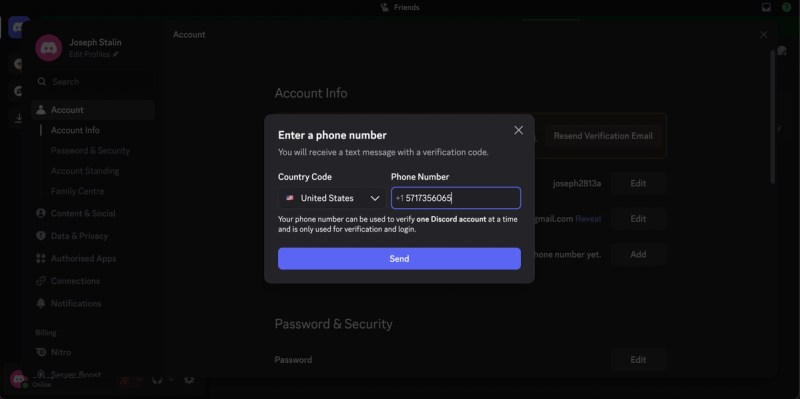
Download or open the Discord app on your phone (available for Android and iOS) or use the desktop/web version at discord.com. Click “Register” or “Sign Up.” You can sign up using email or phone number. Choose the phone number option.
When Discord asks you to add a phone number, paste the temporary USA-based number you bought from VerifySMS. Make sure to include the correct country code (+1). Discord will send a six-digit verification code to that number almost immediately. Switch back to your VerifySMS dashboard while keeping the Discord window open.
Step 4: Paste the Code and Complete Your Profile
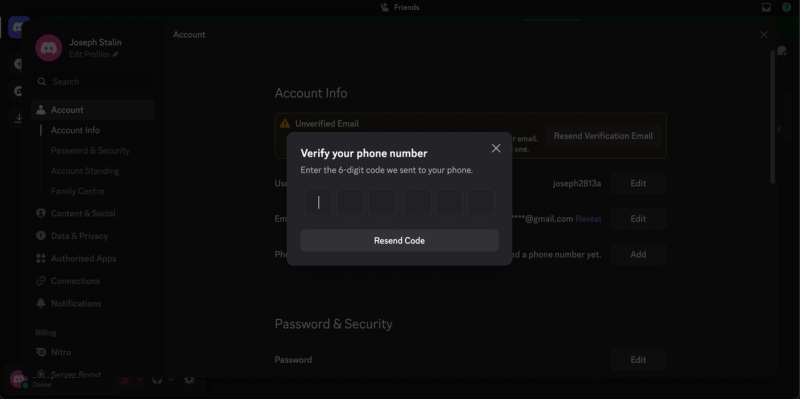
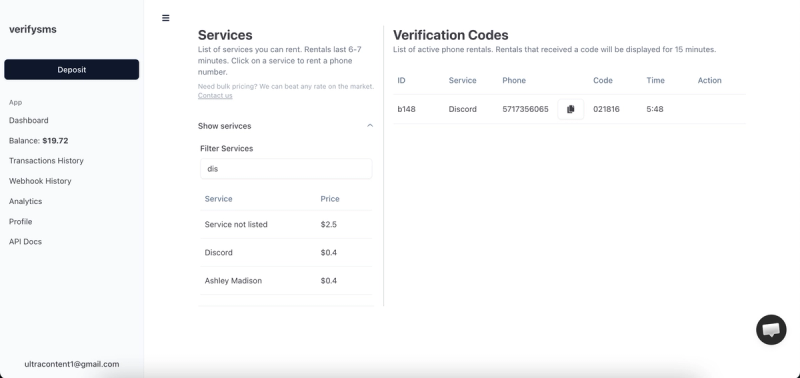
Refresh the VerifySMS page if needed. The six-digit code will appear in the same window where you bought the number. You have only 7 minutes to use it, so proceed promptly but calmly. Copy the code exactly as it appears.
Return to Discord and enter the six-digit code. The platform confirms it in seconds and takes you to the next screen. Now you can choose a username (handle), set a strong password, and add your display name.
You can upload a profile picture and customize other details later. Discord may ask for additional information or offer to find friends — you can skip these for now. Once you complete the setup, your new Discord account goes live. Congratulations — you now have a fully functional Discord account that never used your real phone number.
Why This Method Works Better Than Free Options
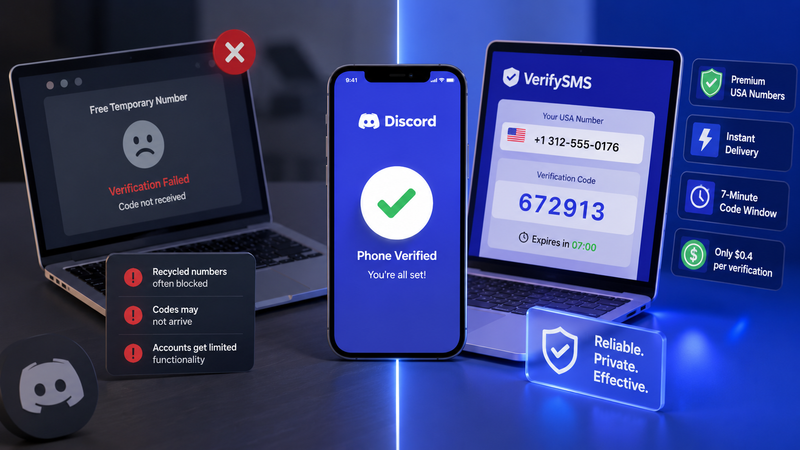
Free temporary number websites often fail on Discord because the platform has strong anti-abuse measures. Recycled numbers are quickly detected, codes may not arrive, or accounts get limited functionality. VerifySMS uses premium, fresh USA-based numbers that consistently deliver successful verifications. The low cost, instant delivery, and reliable 7-minute code window make it the most effective solution for privacy-conscious users.
Additional Benefits of Using VerifySMS for Discord
This approach offers excellent flexibility. You can create separate Discord accounts for different servers, gaming communities, work teams, or personal use without any crossover. Server owners and moderators can manage multiple test accounts or backup profiles safely. International users benefit greatly from trusted USA numbers that Discord readily accepts. The entire process is secure, affordable, and fully aligned with privacy-focused online activities.
Conclusion - A Few Final Thoughts!
Setting up a Discord account without a phone number is fast, secure, and straightforward when you use a dependable service like VerifySMS. In under ten minutes, you can have a new profile ready for joining servers, chatting with friends, or building communities while keeping your personal phone number completely private.
Whether you need one account for casual use or multiple profiles for different purposes, the process is repeatable and highly cost-effective. A single $10 deposit opens the door to dozens of private Discord accounts, each powered by genuine USA-based numbers that work reliably every time.
Don’t let phone verification limit your Discord experience or compromise your privacy. Head over to VerifySMS, create your account, add your small deposit, and open your first Discord profile today. No real phone number. No hassle. Full control over your online communications.